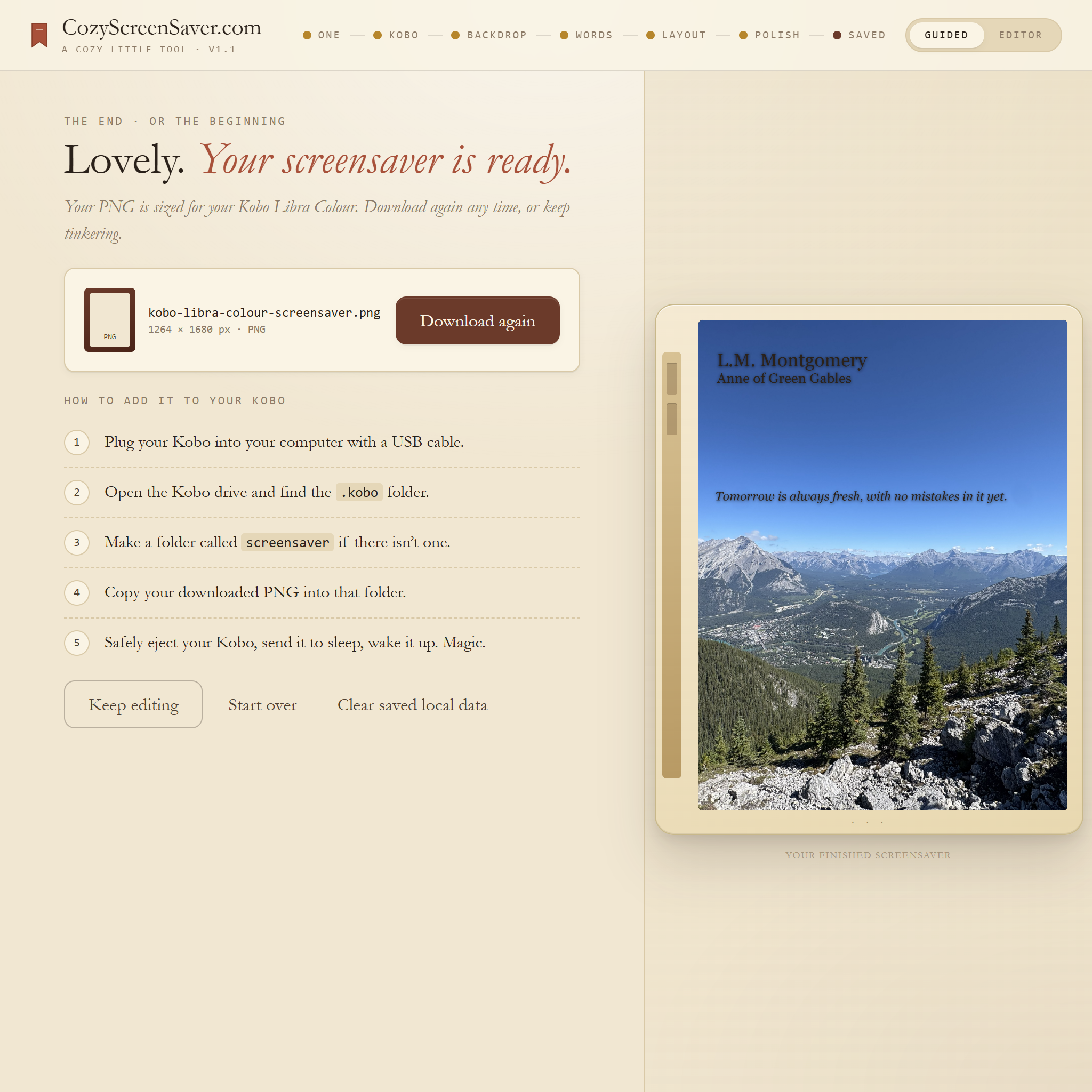
Step-by-step
1. Download and unzip the app
After purchasing from Etsy, download the ZIP file and unzip it before opening the app.
PLACEHOLDER: screenshot of downloaded ZIP and opened folder.
2. Open the app
Open the main HTML file in a modern browser such as Chrome, Edge, Safari, or Firefox.
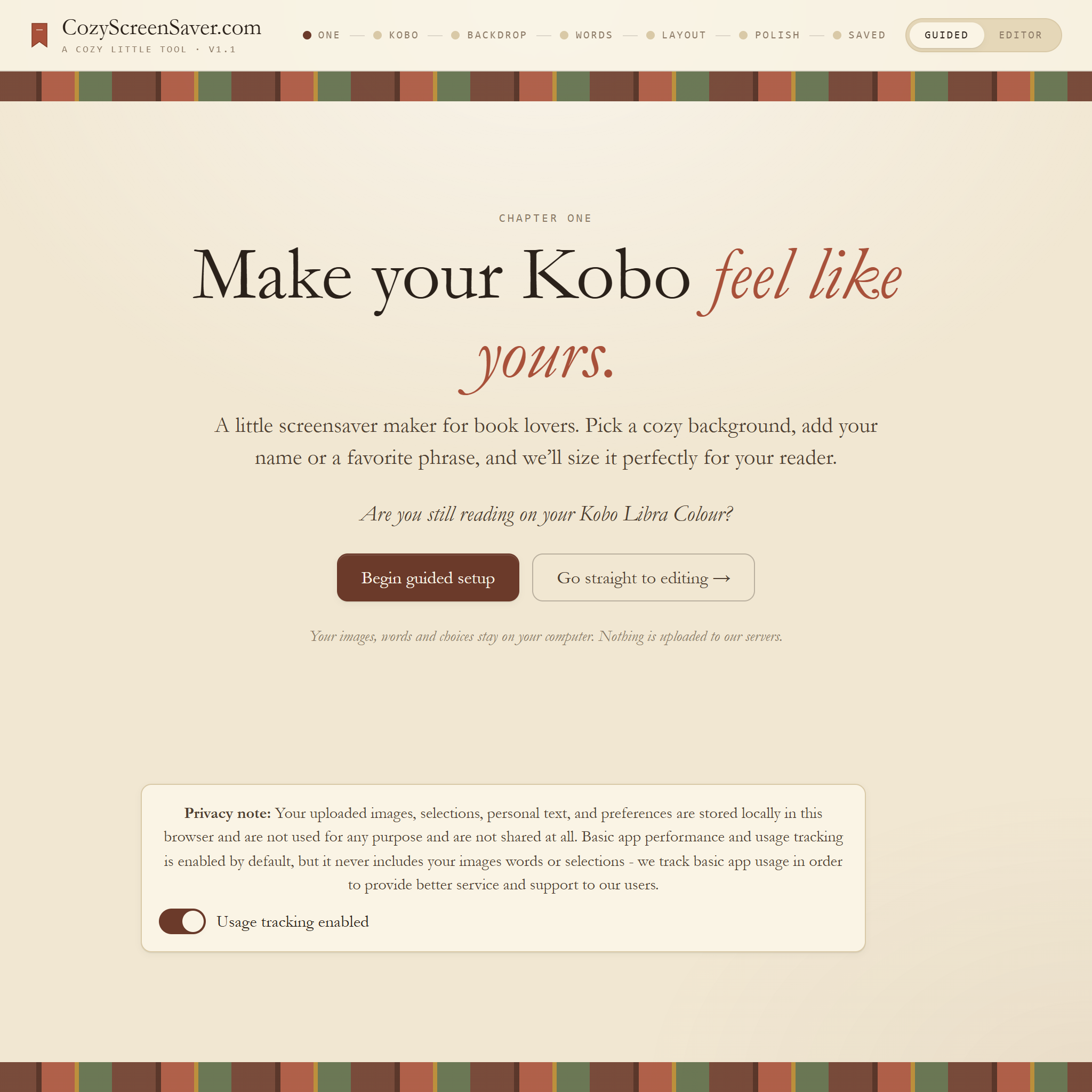
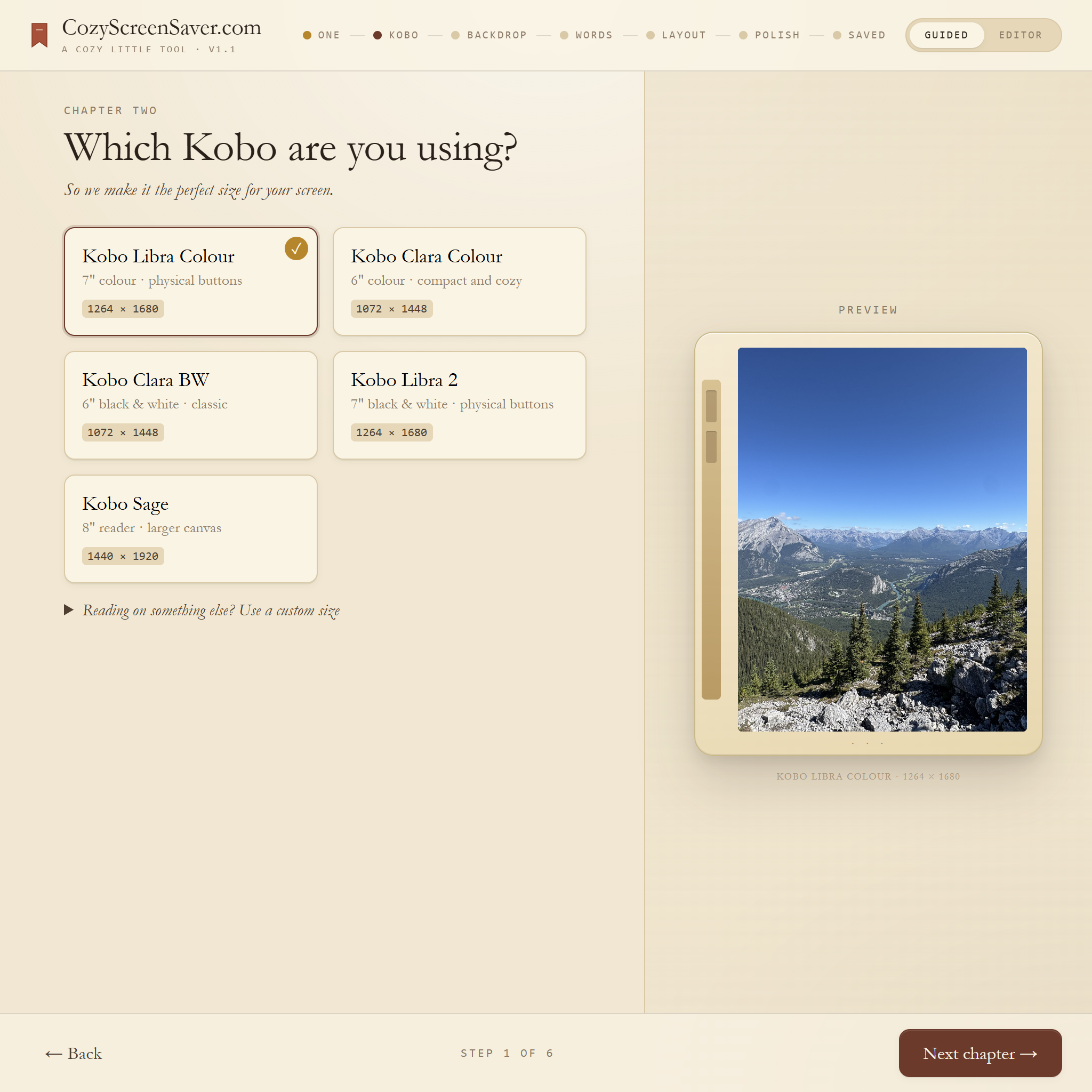
3. Choose your Kobo model
Select the Kobo device so the exported PNG matches the correct screen dimensions.
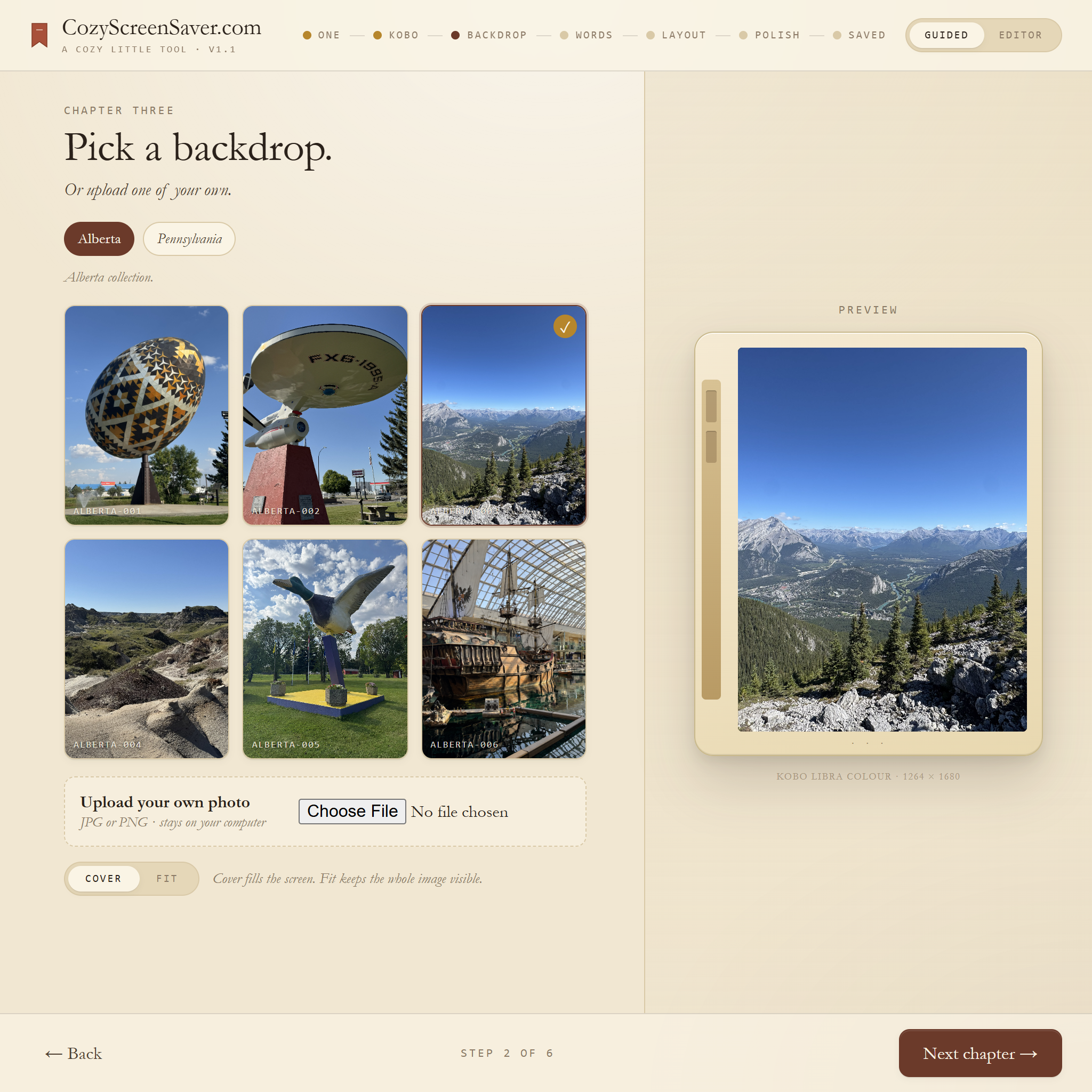
4. Pick or upload a background
Choose a built-in cozy background or upload your own image from your computer.
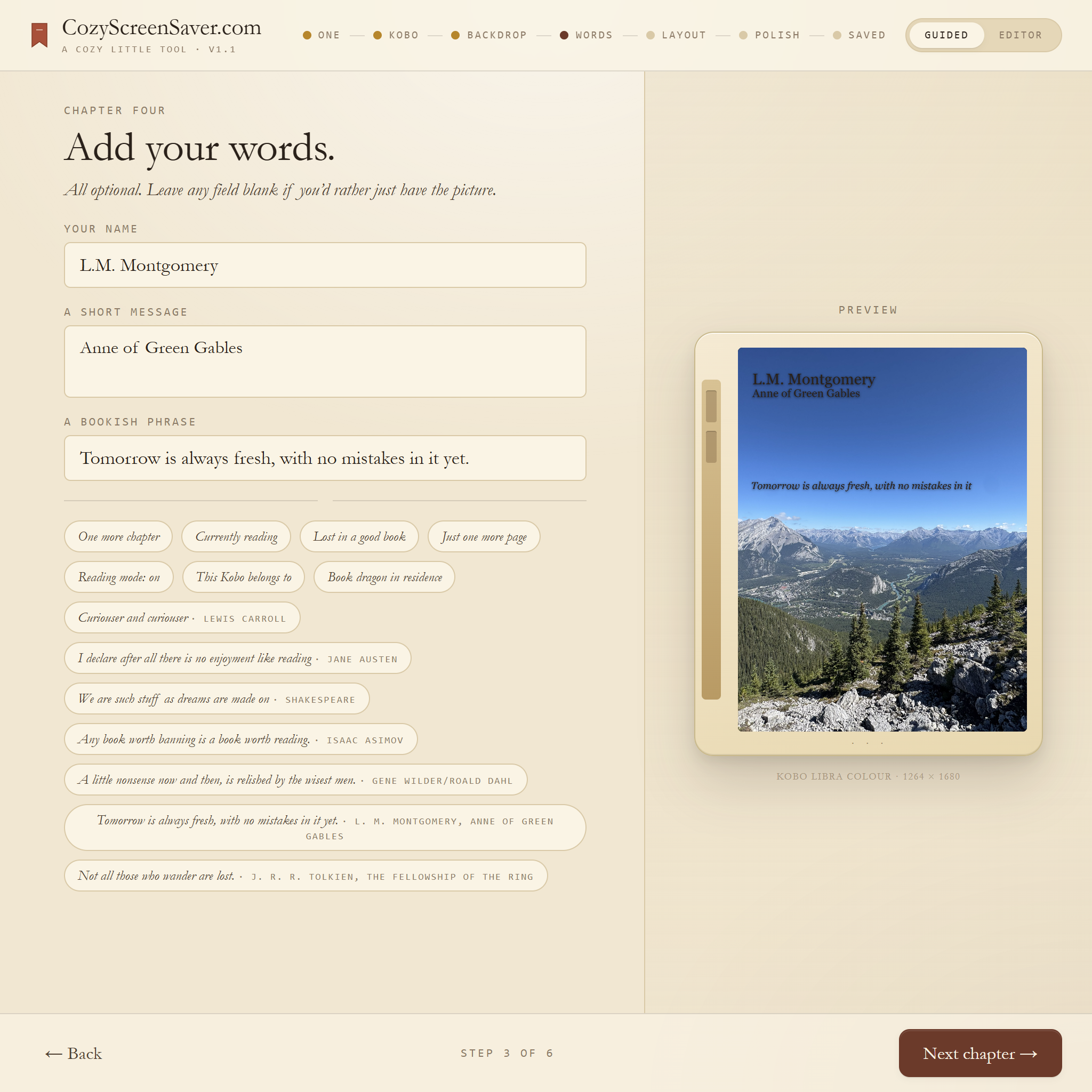
5. Add your text
Add your name, a short phrase, or leave the design image-only.
6. Export and add to Kobo
Export the PNG, connect your Kobo, copy the file to the correct location, safely eject, and test.